MAIN | System | SYSTEM | Setup | SETUP | Trace Thickness Setup| TRACE THICKNESS SETUP Dialog
TRACE THICKNESS SETUP Dialog Box
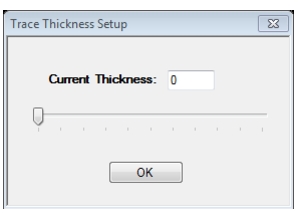
Clicking on the Trace Thickness Setup menu item will display a TRACE THICKNESS SETUP dialog.
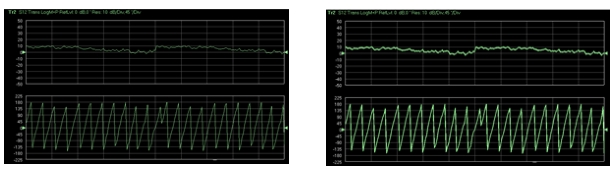
• Change the trace data thickness either by dragging the trace thickness track bar control or by changing the value in the thickness text box. A minimum thickness of 0 to a maximum of 10 can be set. See Figure: Trace Thickness Examples. The thickness value will be applied to all the traces across the system for rectilinear graph types.