MA2700A Operation
|
1.
|
 |
|
2.
|
|
3.
|
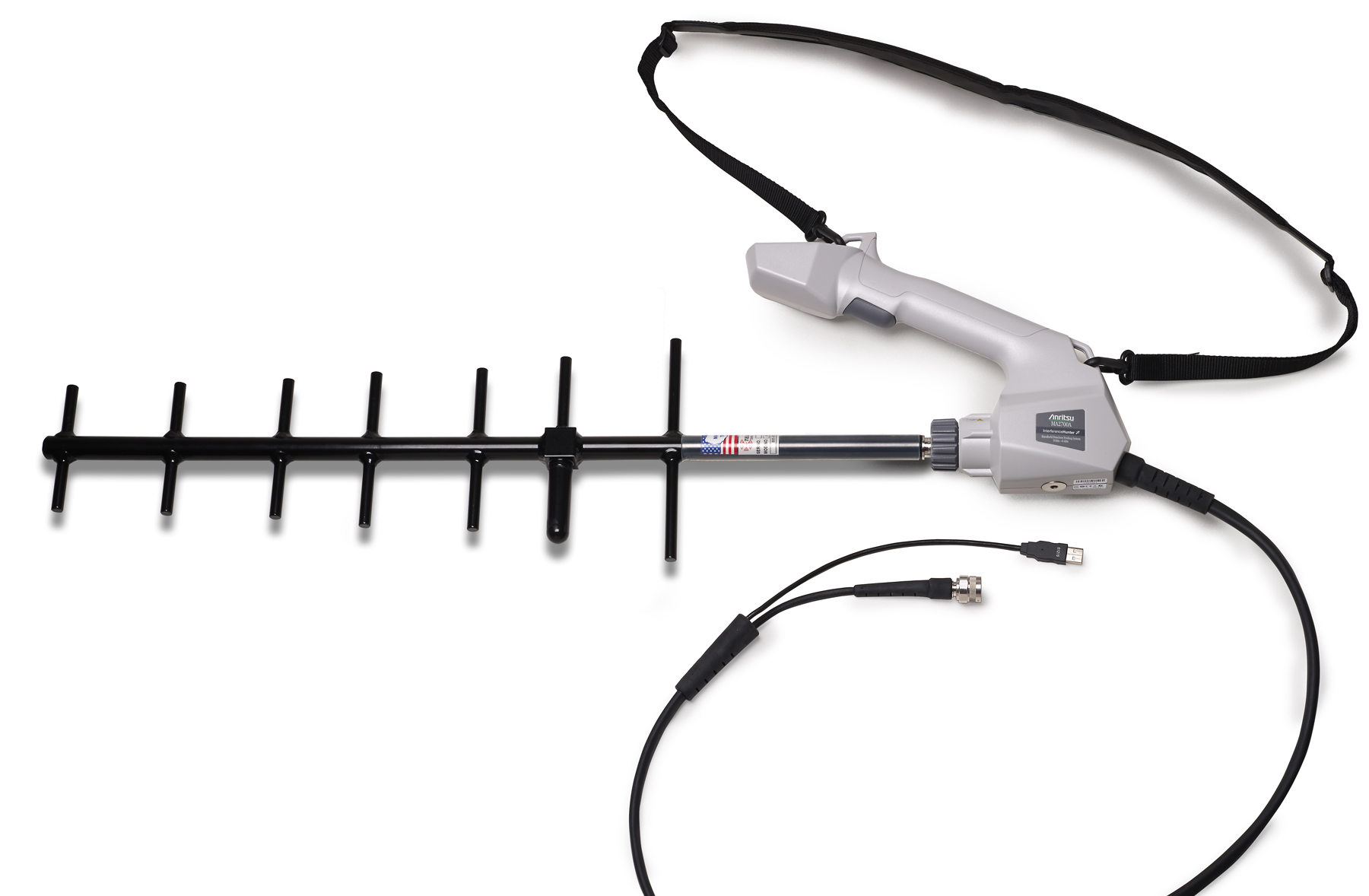
Connect the coaxial cable between the MA2700A and the Anritsu instrument’s RF Input connector.
|
|
The Anritsu Instrument must have Interference Analysis (Option 25) and SPA module V6.00 or higher firmware to use the MA2700A and Anritsu easyMap Tools.
Option 31, GPS is not required when using the MA2700A for Interference Mapping.
|
|
1.
|
Set the Instrument in Interference Analysis mode and select Interference Mapping measurement (Measurements > Interference Mapping).
|
|
a.
|
The instrument will detect the connected MA2700A and display the message MA2700 detected -- Device is ready to use. After GPS lock, the instrument will use GPS data from the MA2700A.
|
|
Once detected, the MA2700A can be used to capture bearing and/or GPS data while in other Interference mode measurements and even other supported instrument measurement modes, including Spectrum Analyzer mode.
|
|
b.
|
Refer to the Spectrum Analyzer Measurement Guide, Interference Analyzer (Option 25) chapter, for additional information on setting the measurement parameters, manually connecting to the MA2700A, locating the interfering signal, and interference mapping.
|